WebP vs JPG: Which Format to Use
WebP vs JPG compared: file size, quality, transparency and compatibility — plus how to convert WebP to JPG (or back) in your browser, free with no uploads.
Convert WebP to JPGWebP vs JPG is not a question of which image looks better — on most photos you can't tell them apart at a glance. It's a question of where the file needs to go. WebP is where the web is heading: Google's compression study measured it 25–34% smaller than JPG at the same visual quality, which is why sites serve it by default. JPG is what everything already understands, from twenty-year-old photo viewers to print shop counters. This guide compares the two honestly and shows how to switch between them entirely in your browser — files never leave your device.
How to convert WebP to JPG
Open the converter
Go to the AmiIMG WebP to JPG tool. Everything runs in your browser: no uploads, no signup, and you can queue up to 50 images at once.
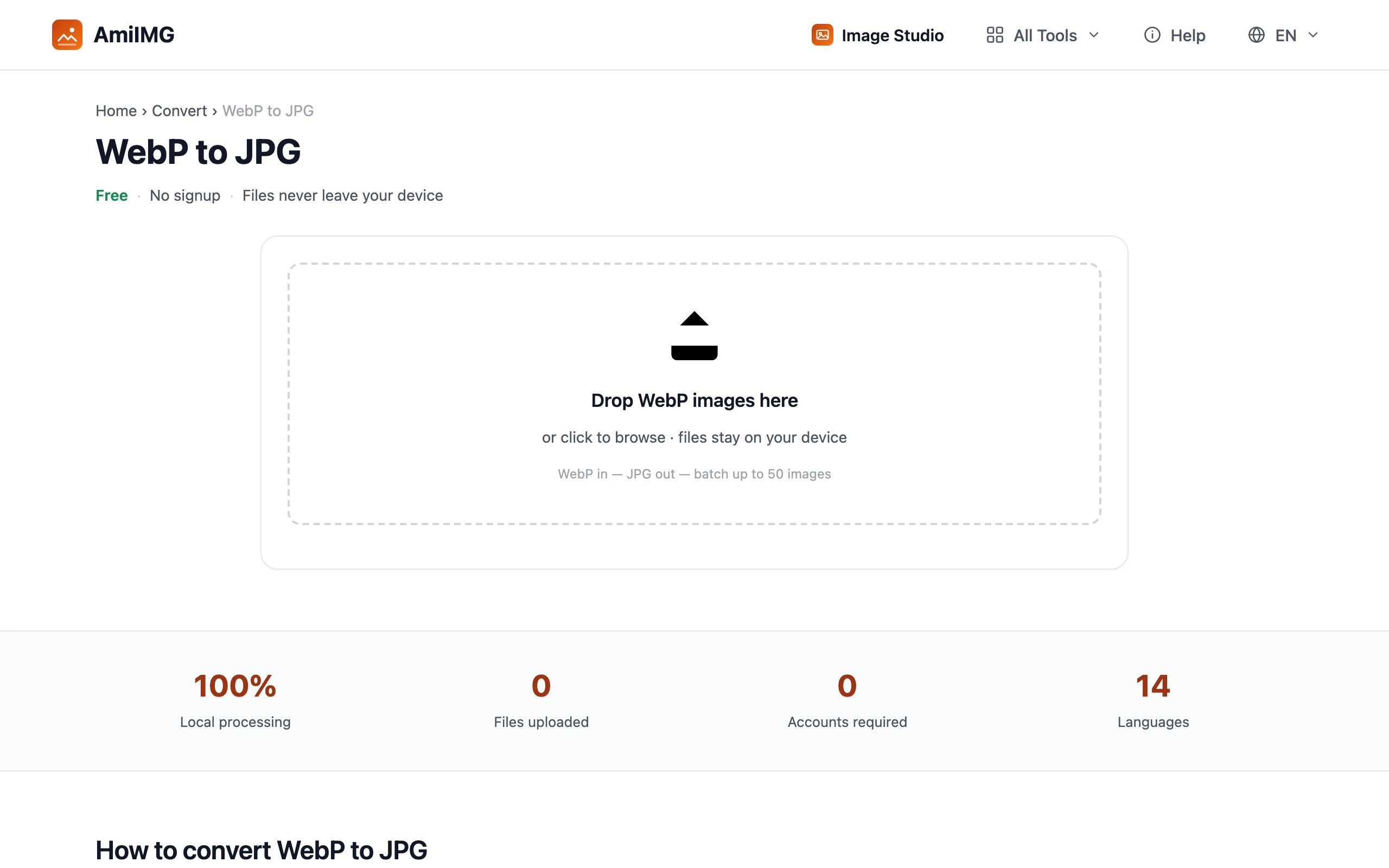
Add your WebP files
Drag the files onto the drop zone or click to browse. Each image joins the queue with its name and size, and you can remove any file before converting.
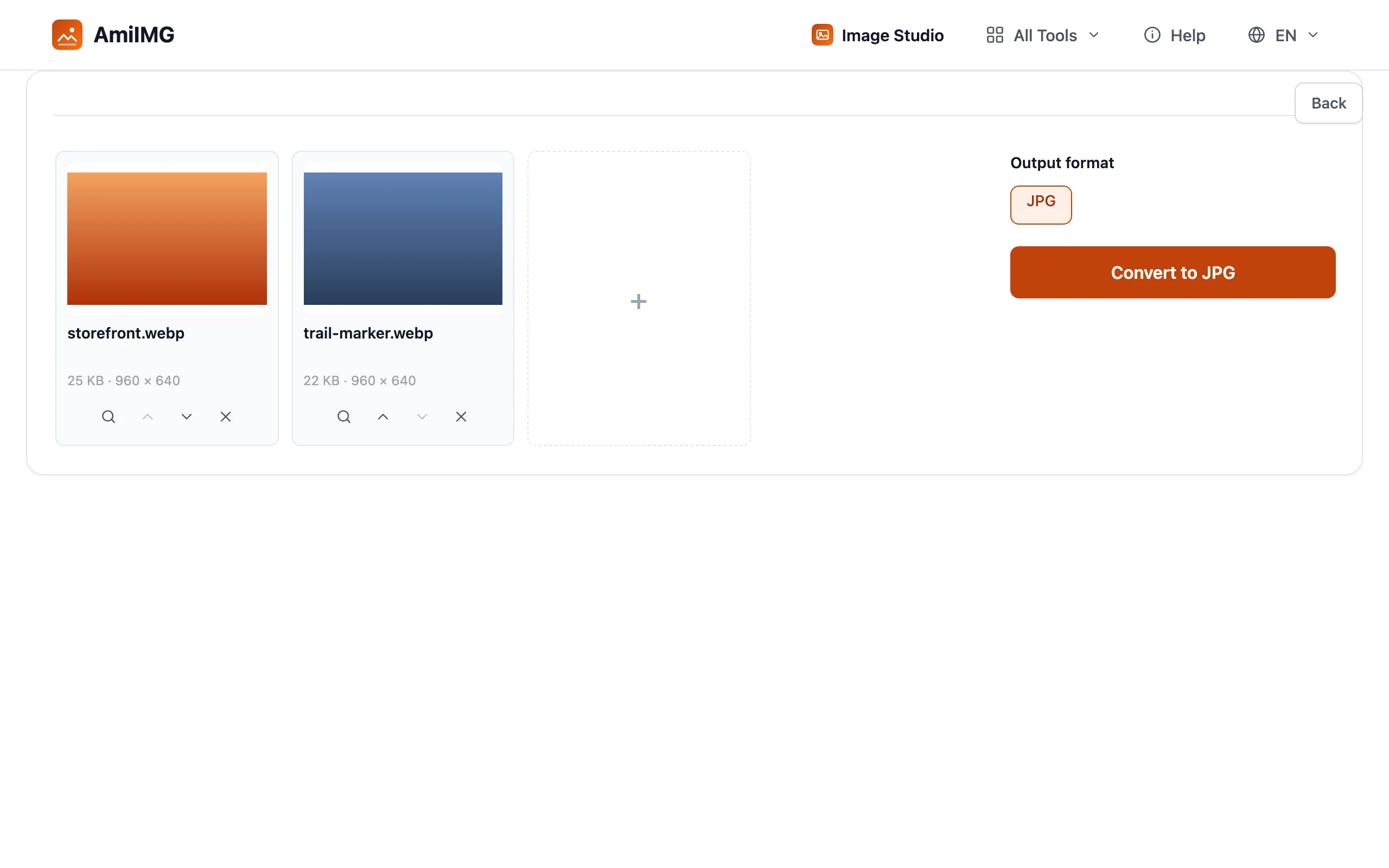
Convert to JPG
Click Convert to JPG. Each image is re-encoded once, right on your device — a full batch usually takes seconds.
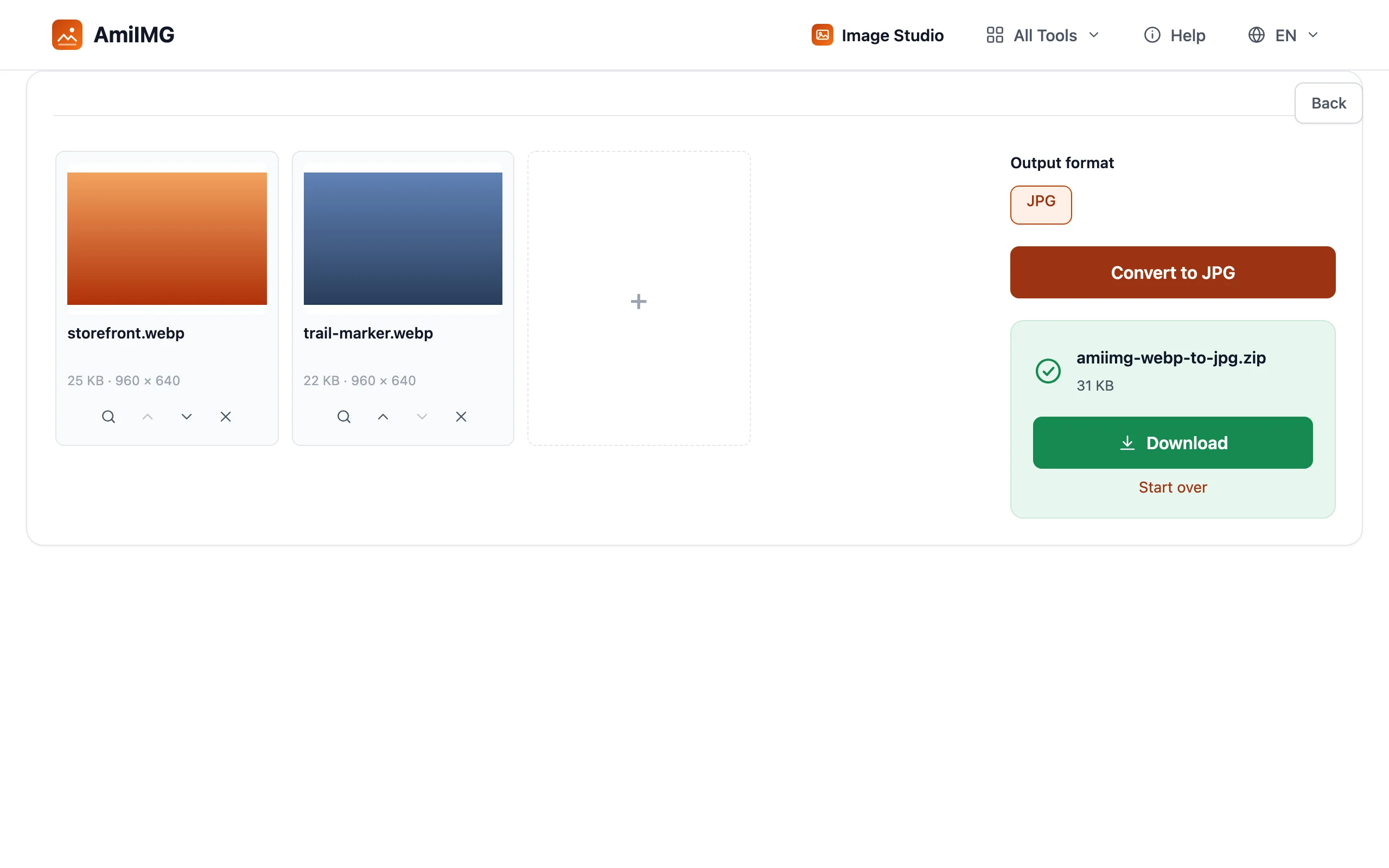
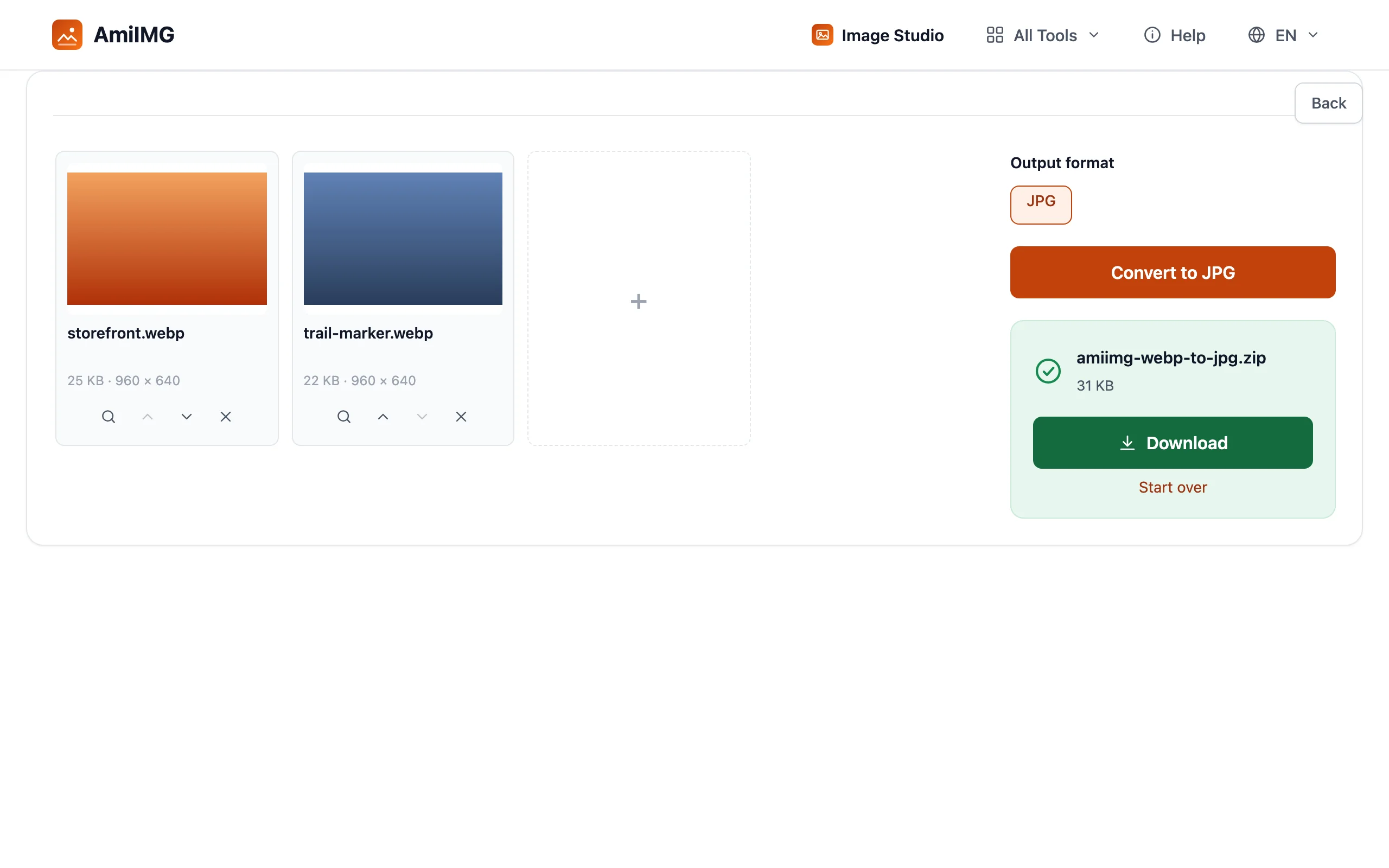
Download your JPGs
Grab the files one by one, or take the whole batch as a single ZIP. The originals on your disk stay untouched.
Which one should you pick?
When WebP wins
For anything that lives on a web page — hero images, product shots, thumbnails — WebP is the better default. It's smaller at the same quality, it supports transparency where JPG has none, and one WebP file can even hold animation, replacing short GIFs at a fraction of the weight.
When JPG wins
When the file leaves your control, JPG is safer. Older photo editors, some desktop viewers, a few print services and government upload forms still reject WebP outright; JPG has opened everywhere since the nineties. If a client can't view what you sent, the fastest fix is a one-minute conversion, not a support call.
What conversion costs
Converting re-encodes the image once at your chosen quality — at a high setting the difference is invisible on photos. Two things genuinely change: transparent areas don't survive a move to JPG (the format has no alpha channel), and file size follows the target format's rules, so JPG output of a small WebP usually comes out larger.
WebP vs JPG FAQ
Is WebP better quality than JPG?
At the same file size, WebP holds more detail — that's the 25–34% gap from Google's study working in reverse. But quality settings dominate: a maximum-quality JPG beats a heavily compressed WebP. Neither format is universally 'better'; size-for-size, WebP wins.
Why won't my WebP file open?
The app predates WebP support. Every current browser opens WebP without help; some older image viewers, office suites and devices don't. Converting the file to JPG is the quickest way to make it open anywhere.
Does converting WebP to JPG lose quality?
One re-encode happens, at the quality the converter uses. At a high setting the result is visually indistinguishable on photos. The real loss is transparency: JPG has no alpha channel, so transparent areas get filled with a solid background.
Which is smaller, WebP or JPG?
For the same photo at the same visual quality, WebP files run about 25–34% smaller. The exact gap depends on the image — flat graphics compress better than detailed photographs.
Can I convert JPG to WebP too?
Yes — the JPG to WebP tool works the same way, in bulk, in your browser. It's the quick way to slim an image folder for a website.