How to Crop an Image to an Exact Ratio
Crop images to an exact ratio online: 1:1 for avatars, 16:9 for covers, 3:2 for prints. Batch up to 50, one crop box per image, no resampling, no uploads.
Crop your images nowEvery platform wants a different shape. Avatars come out square, video covers stretch wide, the print lab asks for 3:2, and slides still run 4:3. Your camera frames its own way; upload as-is and the platform crops for you, dead-center, and rarely where you would have cut.
Cropping is re-framing, not re-processing: pixels inside the box stay as the sensor recorded them, everything outside is dropped, and because no resampling runs, sharpness inside the frame survives untouched. AmiIMG's image cropper locks the frame to an exact ratio (1:1, 4:3, 3:2, or 16:9) or leaves it free-form. Up to 50 images ride in one batch, each with its own crop box, and any image you never frame passes through untouched, not re-encoded once. Everything happens in your browser.
Cropping to a ratio, step by step
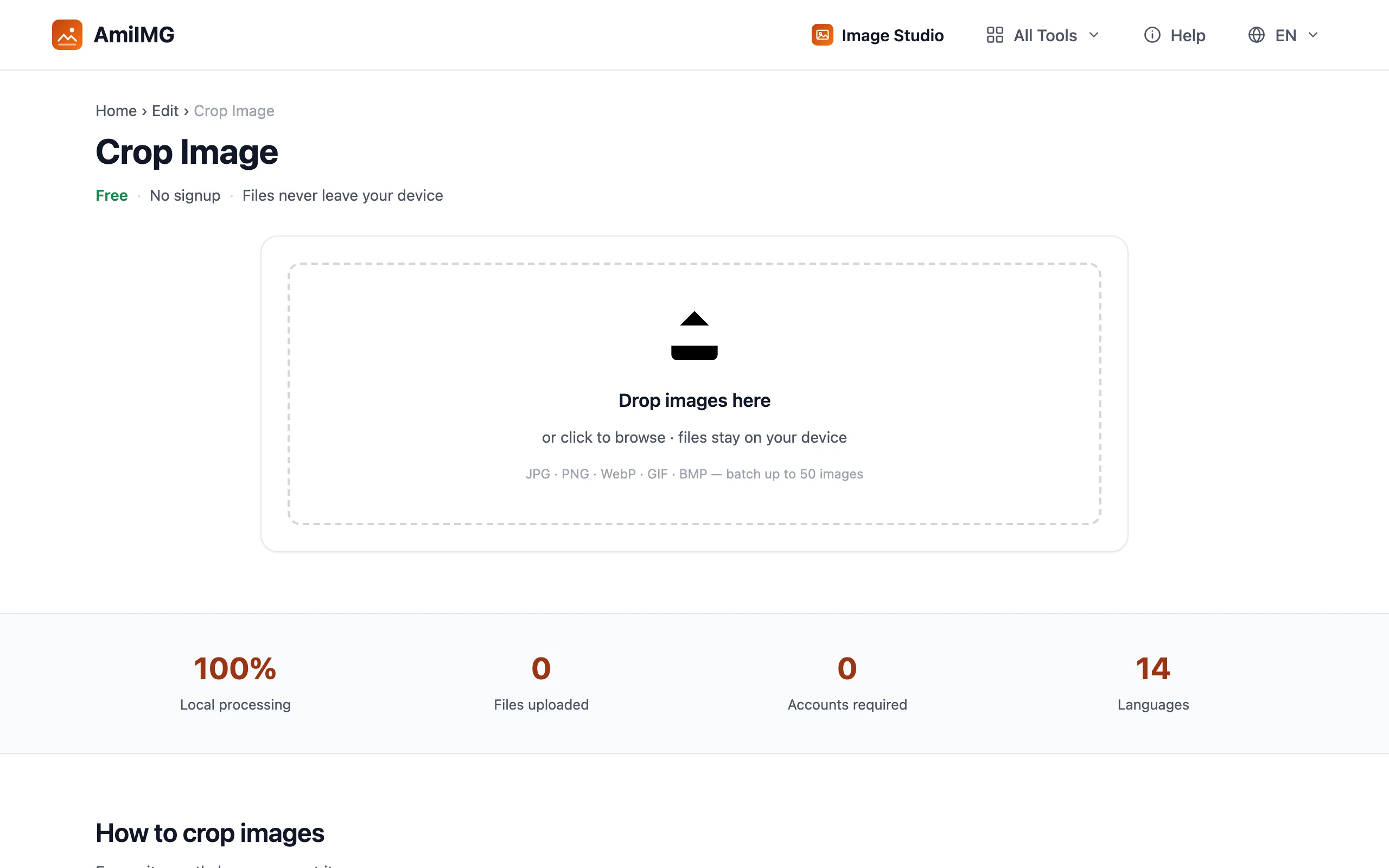
Queue up your images
Go to the AmiIMG image cropper and drop your pictures on the zone. JPG, PNG, WebP, GIF, and BMP all work, up to 50 files at 30 MB each. Thumbnails line up in the sidebar; click any card to switch which image you are framing.
Lock the exact ratio
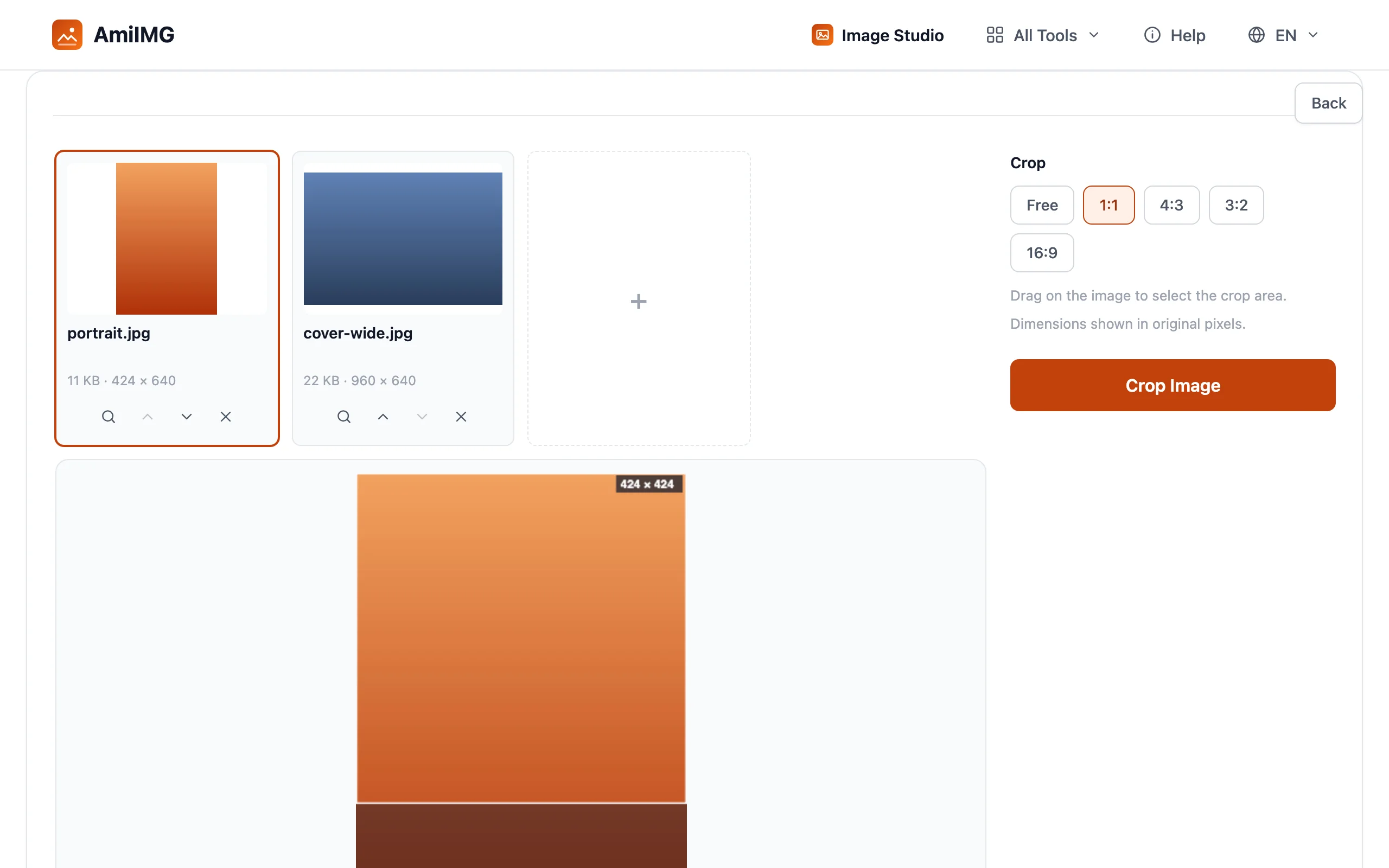
Pick the preset that matches the destination: 1:1 for avatars, 4:3 for slides and listings, 3:2 for prints, 16:9 for covers and thumbnails. The crop box snaps to shape instantly. Free-form stays the default when no platform is waiting downstream.
Frame each image
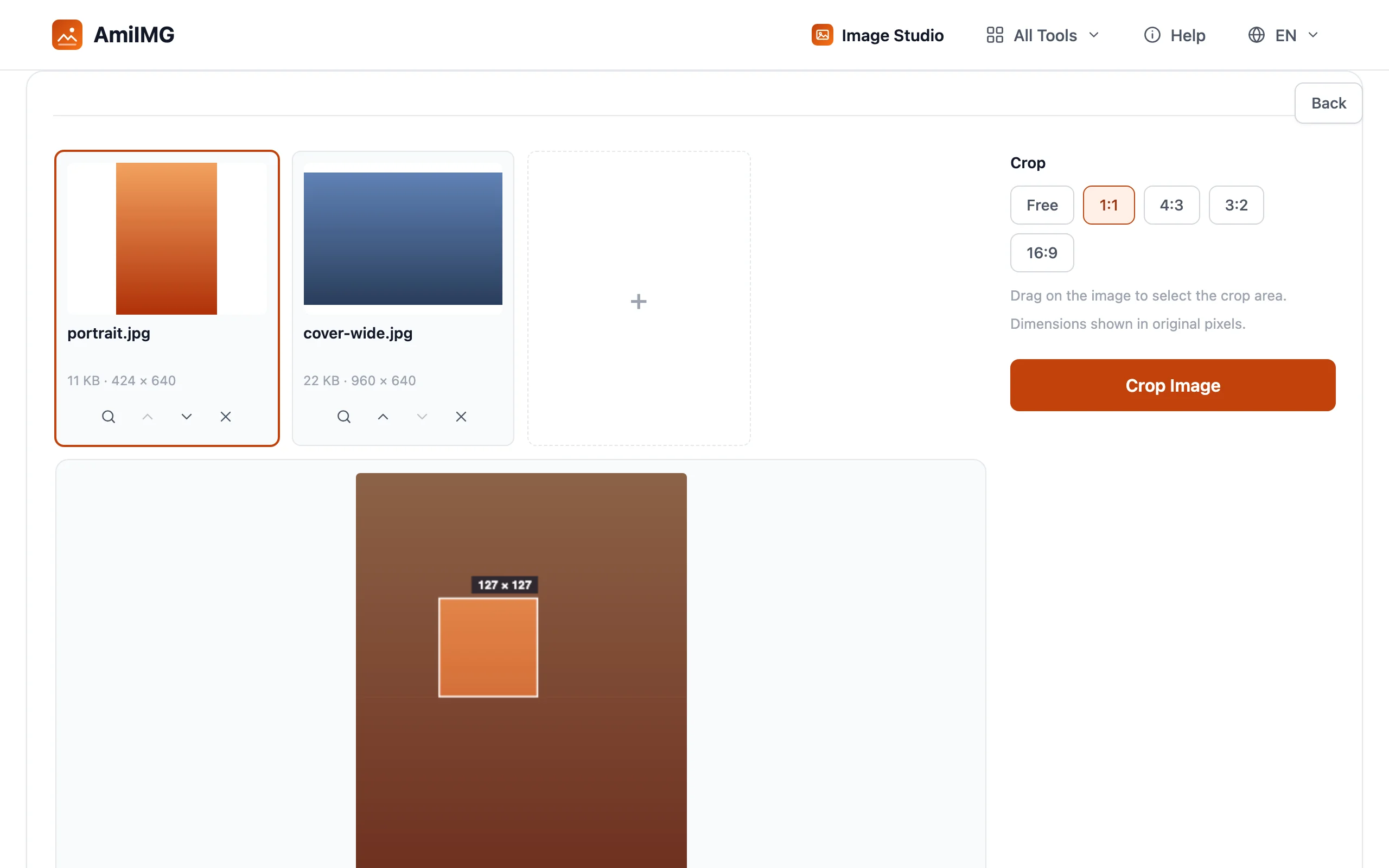
Drag the box over the image: corners resize it, the middle moves it, and a locked ratio cannot drift while you work. Every image keeps its own frame, so a square portrait and a widescreen landscape can sit in the same batch. Skip an image entirely and its original is packed as-is, untouched.
Crop and download
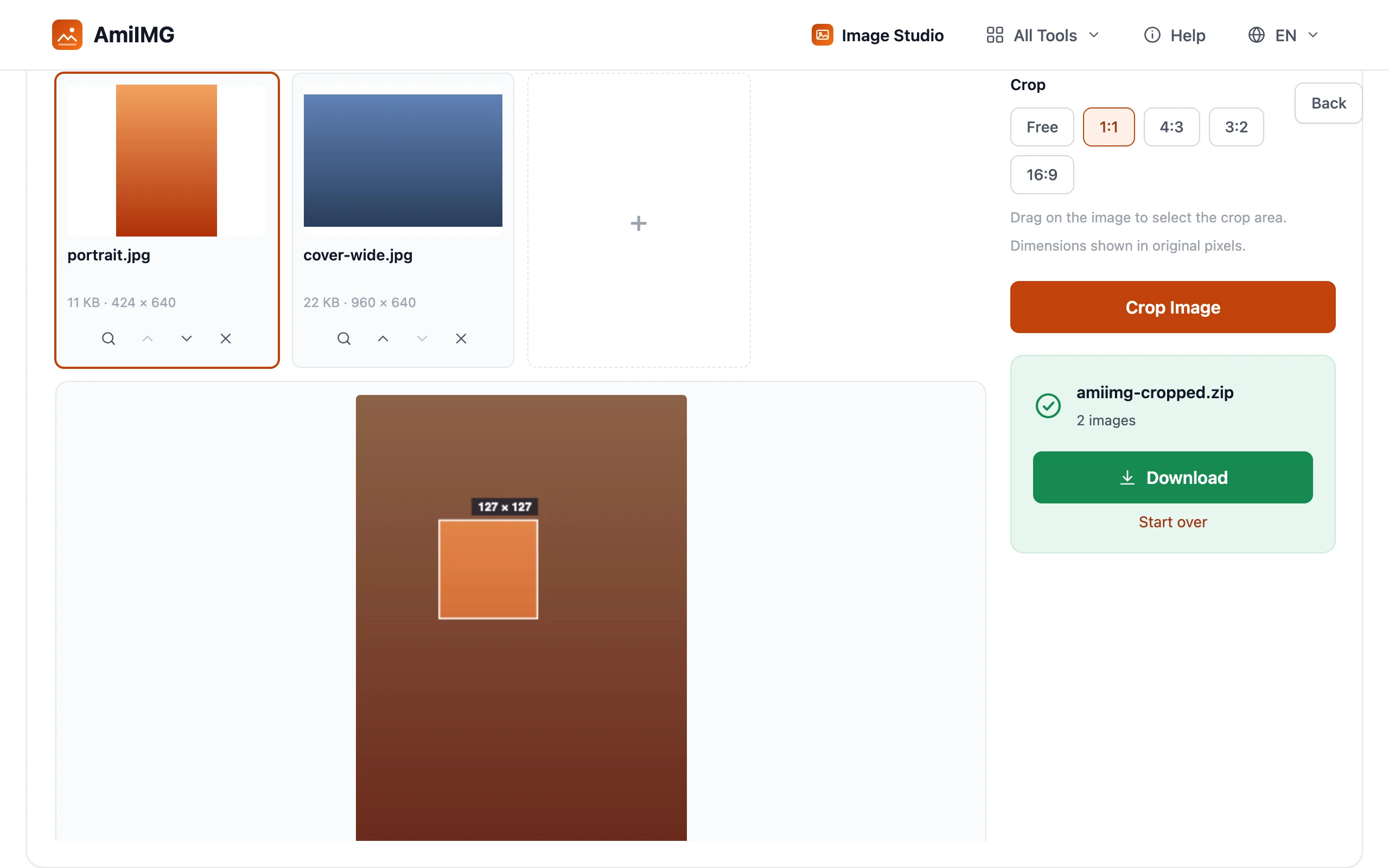
Hit Crop Image. Pixels inside each frame keep their resolution (no resampling anywhere), and everything lands in one ZIP, named to match the originals.
Getting the best results
Check the pixel budget before cutting hard
A tight crop can leave too few pixels for the destination: a 16:9 strip cut from a 4:3 phone shot keeps well under half the frame's height. When the result comes up short, send it through the AI upscaler before publishing.
Crop for composition, resize for size
The two get confused constantly. Cropping changes what is in the picture; resizing changes how big the whole picture is. When the framing is wrong, crop. When the photo is right but the dimensions are not, resize. The two chain cleanly: crop to the ratio first, then resize to the pixel spec.
Match the platform's ratio here, not there
A free-form frame fits any subject, but the platform on the other end will still enforce its own ratio by cropping you again, automatically and from the center. When a destination exists, lock its ratio in this tool, where you decide what survives the cut.
Frequently asked questions
Does cropping reduce image quality?
Not where it counts. Cropping never resamples — the pixels inside the frame keep their resolution; output is re-encoded once at high quality (PNG stays lossless). Images you never framed are packed untouched.
Which ratio should a profile picture use?
1:1. Nearly every network renders avatars square, even when it accepts other shapes. Lock 1:1 and center on the face.
Can I crop to a ratio that isn't listed?
The presets cover 1:1, 4:3, 3:2, and 16:9. Anything else is a free-form drag — the frame takes whatever shape you draw, which suits images with no fixed-ratio destination.
Why did my cropped file get smaller?
Fewer pixels remain inside the frame, so there is less data to store. Quality per pixel doesn't change — the file is just a smaller piece of the original.