How to Convert an Image to Black and White
Convert images to black and white online: true luminance conversion with live previews, batch up to 50 photos, output keeps your format. Nothing uploaded.
Make a photo black and whiteSome photos get better the moment color gets out of the way. Hard-lit portraits, street shots with a busy sky, scans that have gone yellow: in monochrome, the structure underneath does the talking. How the color leaves matters, though. A plain desaturation pulls every color toward gray by the same amount, and the result reads flat: skin turns chalky and skies turn dull.
The AmiIMG black and white converter blends colors by how bright they look to the eye (a luminance conversion), so skies stay bright, shadows stay deep, and skin stays natural. One toggle turns it on, every thumbnail previews the monochrome version live, and a batch of up to 50 photos goes through in one pass, entirely in your browser.
Converting to black and white, step by step
Add the photos
Drop your photos on the zone at the AmiIMG converter, or click it to pick them. Formats from JPG and PNG through WebP, GIF, and BMP are all accepted, 50 images per batch at 30 MB each, and drag-and-drop reordering sets the sequence for the ZIP.
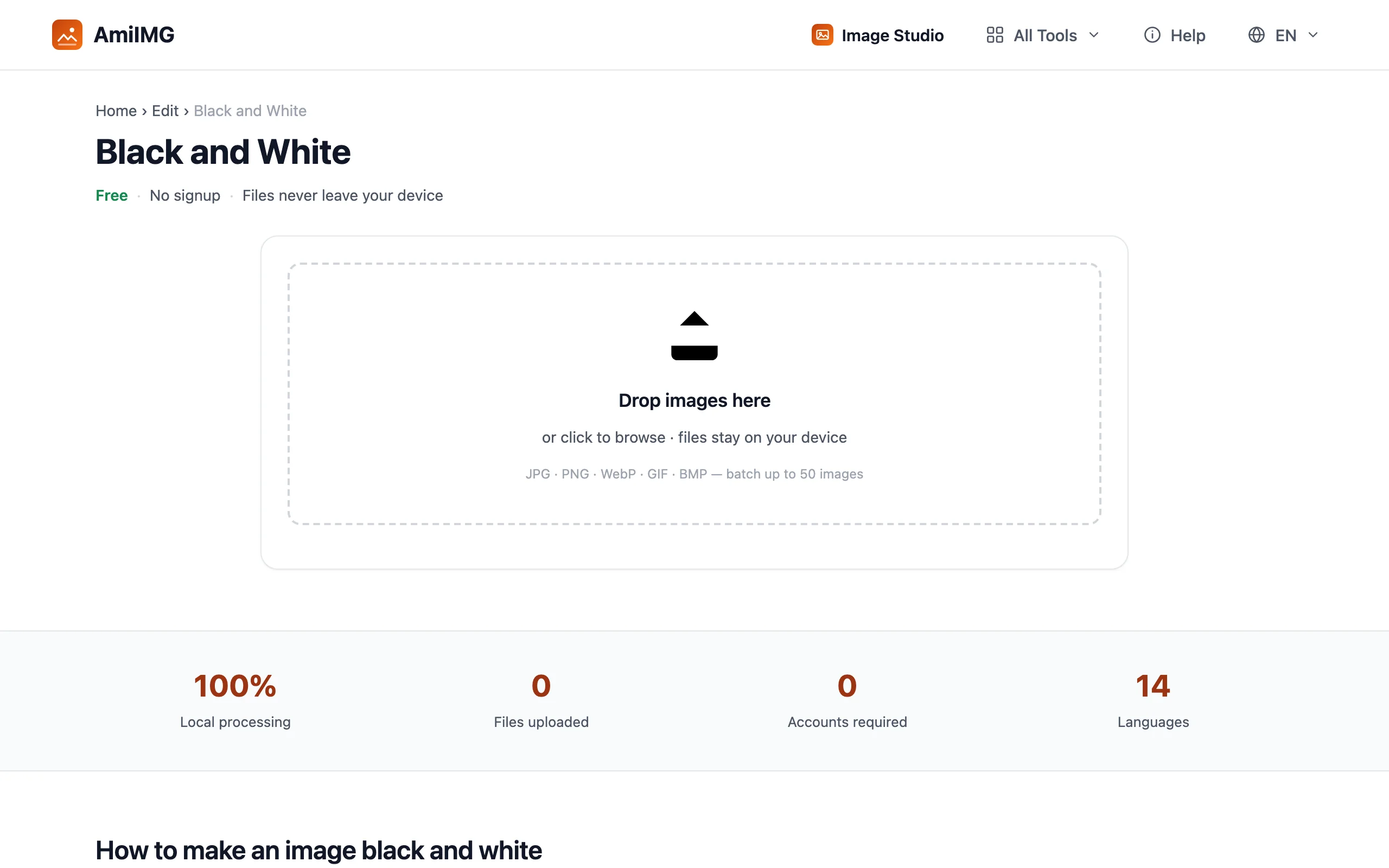
Confirm the Black & white toggle
The Black & white toggle is on by default, and the thumbnails already show the monochrome result. Click it once to compare against the color original; click again to go back. The convert button stays dim while color is selected, so a stray click can't ship the wrong version.
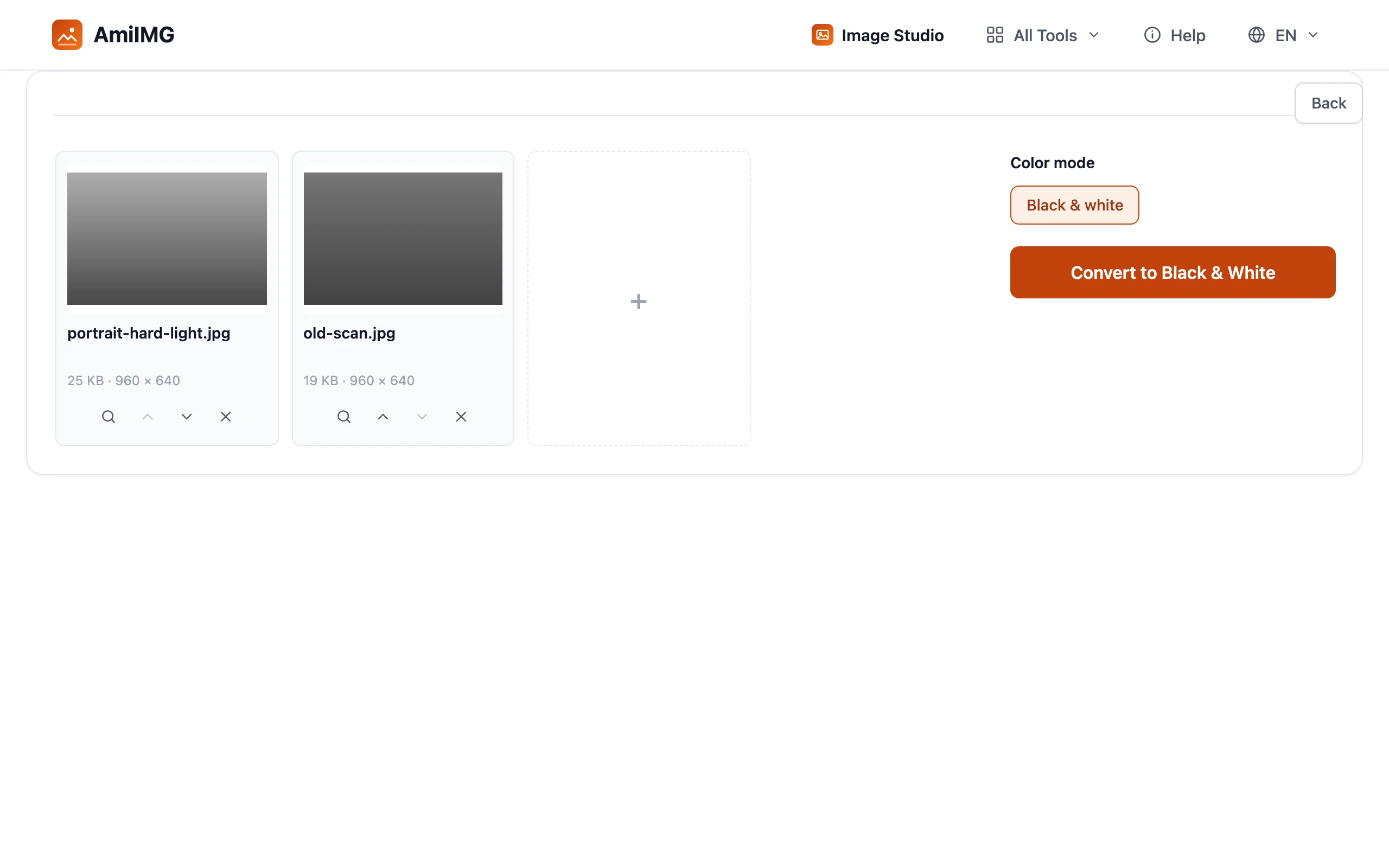
Convert the batch
Hit Convert to Black & White. The conversion works per pixel with no resizing involved, so dimensions come out exactly as they went in. Files keep their own format, with one pair of exceptions: GIF and BMP return as PNG.
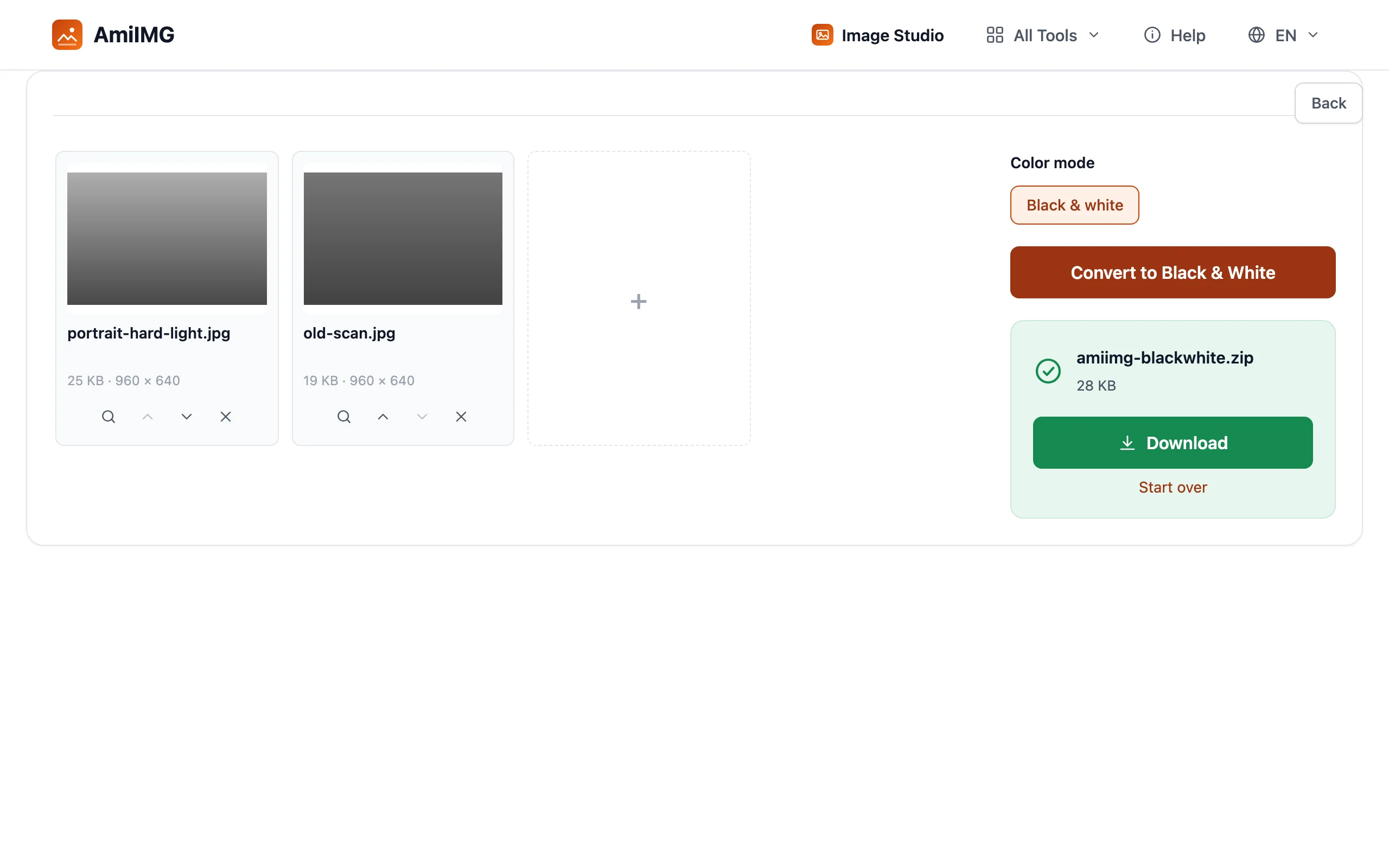
Download the monochrome set
A single photo downloads directly; the whole batch lands in one ZIP with every image converted inside.
Getting mono right
Why luminance beats desaturation
Your eye doesn't weigh colors equally: at the same physical intensity, green looks brighter than blue. A luminance conversion applies those perceived-brightness weights, which is why the same sky can end up near-white in one converter and mid-gray in another. The flat-gray one is the equal-weights desaturation.
Know when mono is the wrong answer
Photos whose whole point is color lose more than they gain: sunsets first, and product shots where the exact shade is the information. What mono rewards is texture, shape, and hard light. I've rescued plenty of 'bad light' street frames by dropping the color and letting the contrast carry them.
Keep the originals
The exported files no longer contain color information, and nothing un-converts them later. Batch jobs arrive as a single ZIP, so the originals and the mono set stay easy to tell apart on disk.
Frequently asked questions
Is black and white conversion reversible?
No. Color information is removed in the exported files, so keep the originals if a color version might matter later.
Does converting change the size or format of my photos?
The size in pixels doesn't change; the conversion never resizes. Formats hold except for GIF and BMP, which come back as PNG.
Can one batch hold both color and black and white outputs?
No — the toggle applies to the whole queue, and monochrome is this tool's one job. Run the photos you want converted as their own batch and leave the rest out.
Which photos work best in black and white?
Strong shapes, directional light, and texture: portraits with hard light, architecture, old scans. Flat, low-contrast scenes tend to get flatter still, because mono removes the color contrast that was holding them up.
How many photos fit in one batch?
Up to 50 images, 30 MB each, delivered as one ZIP.