How to Convert JPG to PNG
Convert JPG to PNG online for free. A visual, step-by-step guide to batch-converting JPG files to lossless PNG in your browser. No software, no uploads.
Convert JPG to PNGJPG is the format most cameras and phones default to, and for good reason: it keeps photo files small. But JPG is a lossy format: every time a JPG is saved again, a little more detail is thrown away. When you need a pixel-perfect copy for editing, archiving, or a system that insists on PNG, converting first stops the quality drain. This guide shows how to convert JPG to PNG with AmiIMG's free converter: batch support, no software to install, and all decoding and encoding happens right in your browser; your photos never leave your device.
Converting JPG to PNG, step by step
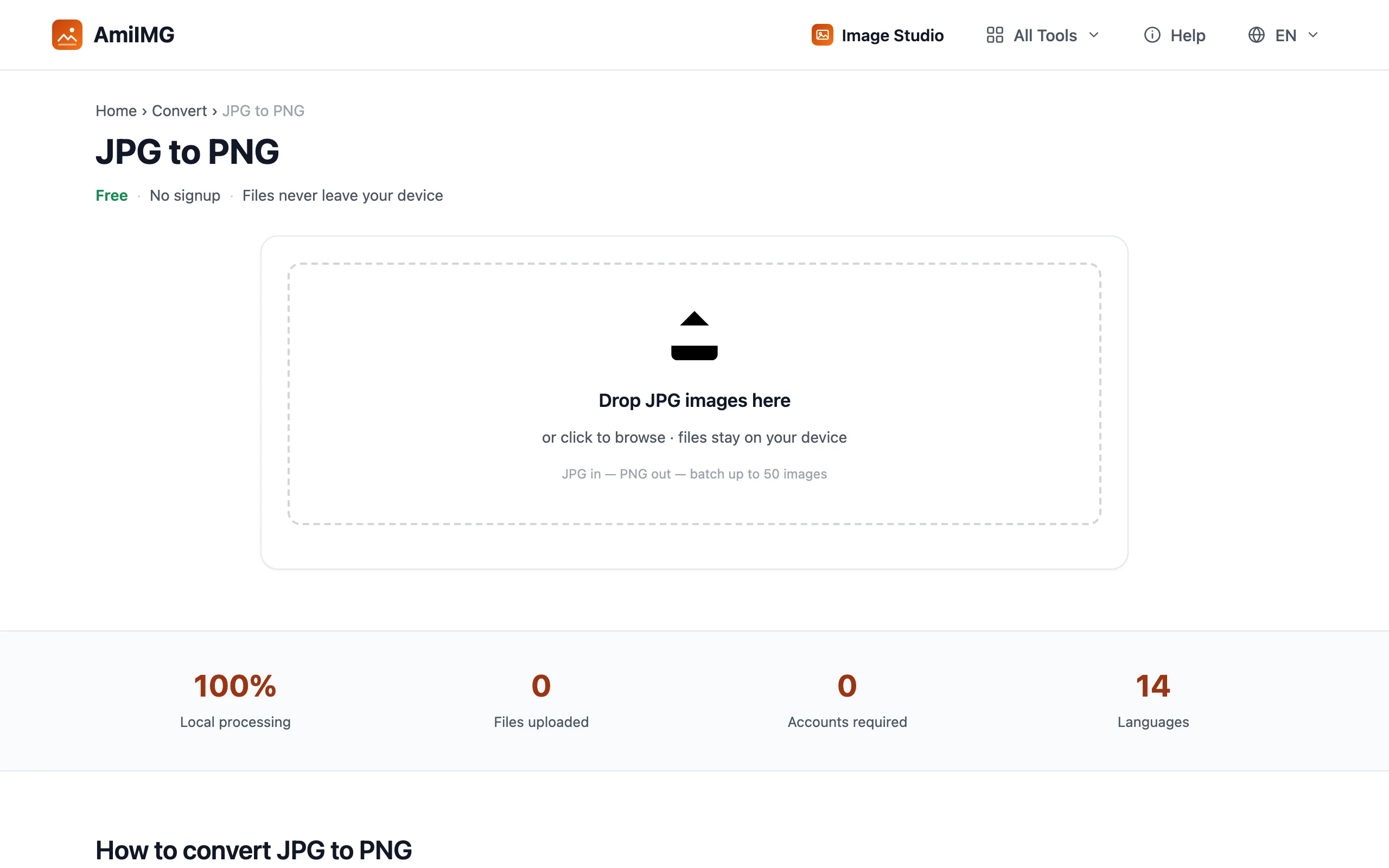
Add your JPG files
Open the AmiIMG JPG to PNG converter and drop your photos onto the upload zone, or click it to browse. The queue takes up to 50 files at once, each up to 30 MB, and the whole batch is processed locally on your device, not on a server.
Review the queue
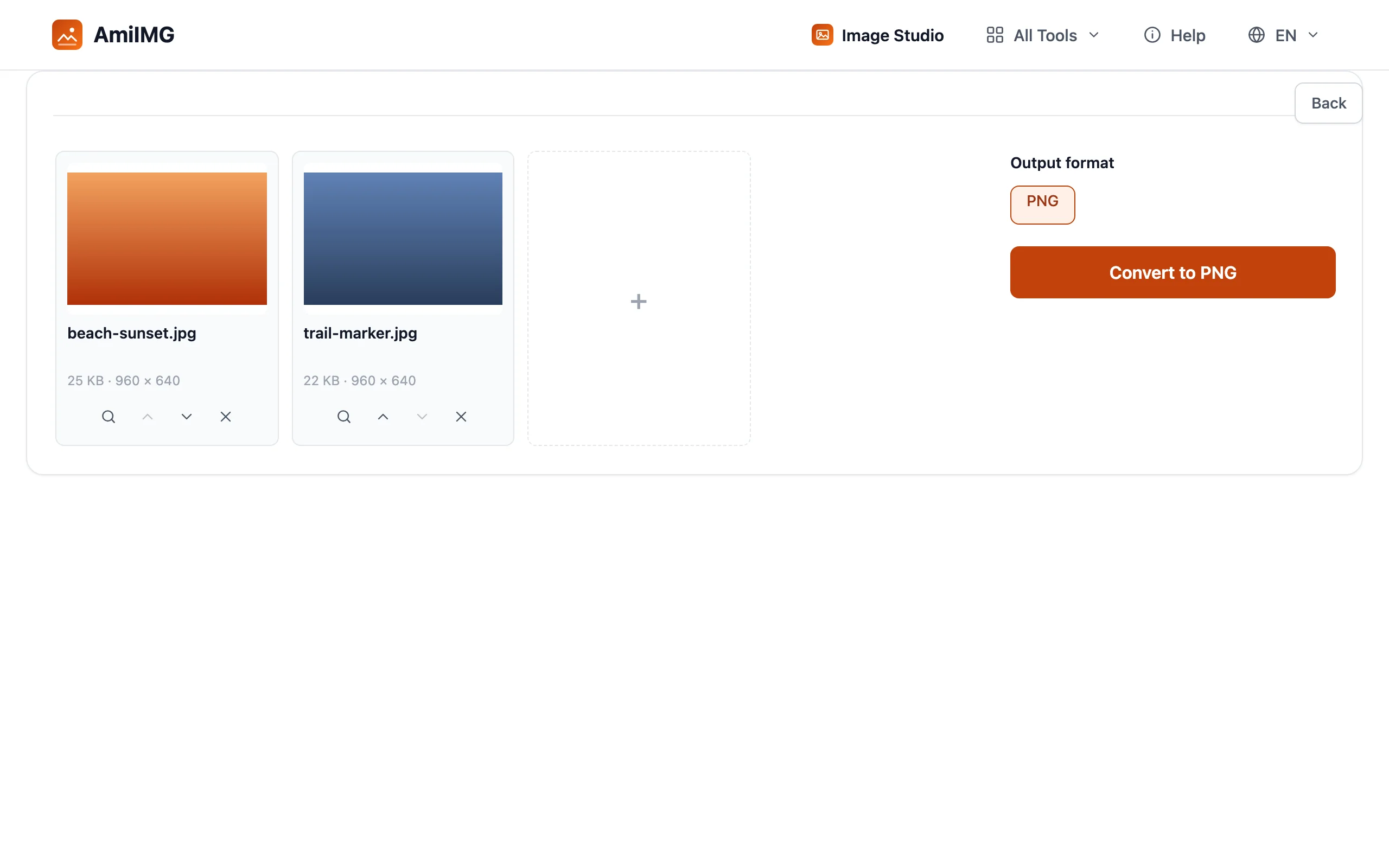
Each photo appears as a thumbnail card with its pixel dimensions, so you can spot the odd one out before committing. Remove anything you did not mean to add; the output format is locked to PNG, so there are no settings to configure and nothing to get wrong.
Convert to PNG
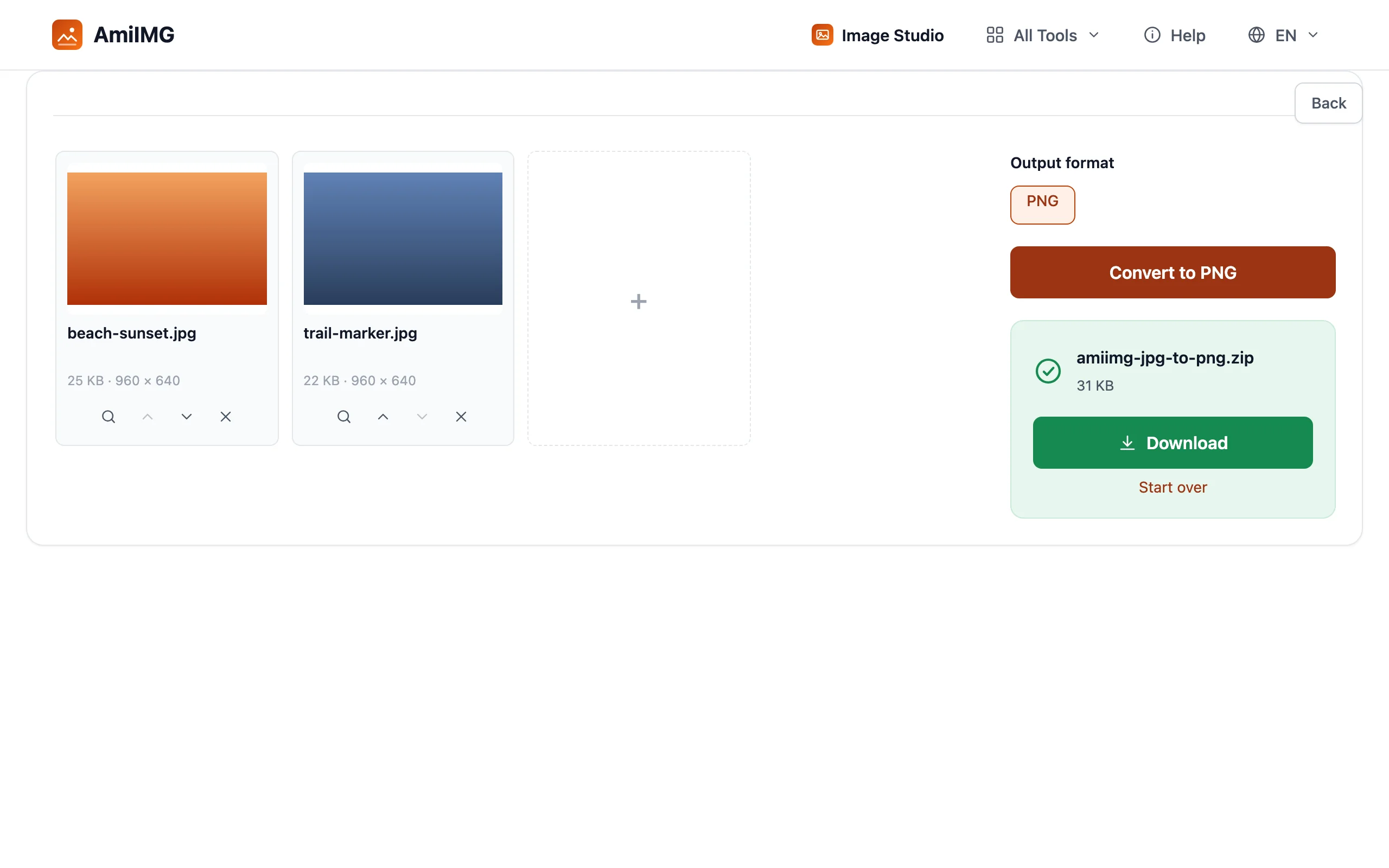
Hit Convert to PNG and every file is re-encoded in place. The conversion decodes each JPG to its exact pixels and writes them back out as lossless PNG, so what you get is a pixel-for-pixel match of what you put in; no additional compression is applied at this step. A batch of photos typically finishes in a few seconds.
Download your PNGs
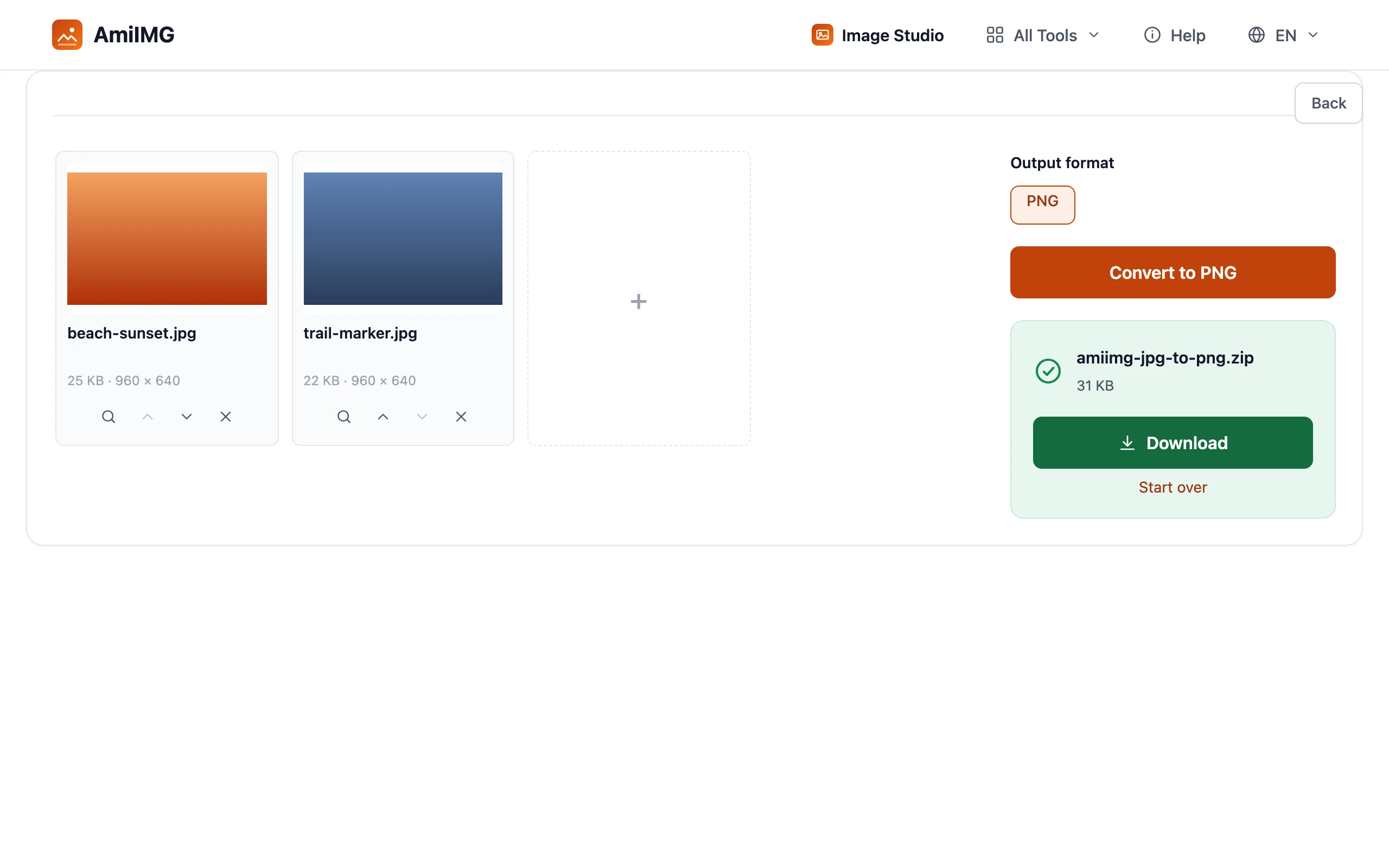
Save a single file directly, or grab the whole batch as one ZIP. Names carry over (beach-sunset.jpg becomes beach-sunset.png), so the files drop straight into whatever folder, tool, or upload form expected PNG.
Getting the best results
When PNG is worth the bigger file
PNG stores every pixel without loss, which typically makes it several times larger than JPG for photos. Convert when the file will be edited again, archived as a master, or fed into a workflow that requires PNG — screenshots, logos, and images with sharp edges or transparency benefit most.
Converting does not restore lost quality
No, and be wary of tools that hint otherwise. Detail your camera discarded when shooting JPG is gone for good. What PNG gives you is a stable copy: from here on, saves and re-saves no longer shave quality off.
Getting PNG with transparency
A photo converted from JPG will stay fully opaque, because the source has no transparency to preserve. For cut-outs, remove the background first with the background remover, then convert the result to PNG; that format is where transparent pixels live.
Frequently asked questions
Is JPG to PNG conversion free?
Yes — free, no signup, no watermark on output, and no daily cap. Batch up to 50 photos at once.
Does converting JPG to PNG improve image quality?
It prevents further loss rather than restoring old loss. The PNG you get matches your JPG pixel for pixel, and future saves stay lossless.
Why is my PNG larger than the original JPG?
That is expected. PNG keeps every pixel losslessly, while JPG achieves small sizes by discarding detail. For web photos, keep the JPG; reach for PNG when you need a lossless master.
Does this work on Windows, Mac, or Android?
Yes. The converter runs in any modern browser regardless of operating system — conversion happens locally, so it also works on locked-down machines.